Corsair Sabre V3 Pro review
Personalised pointer perfection
Corsair Sabre V3 Pro on Amazon (affiliate): https://link.amazon/B06h8ERW0
Intro
If a company said to you their new mouse could improve your aim speed by 33% regardless of what shape of mouse you prefer, what style of grip you use, what sensitivity setting you like, or any other factors, you’d jump at the chance to buy one, right?
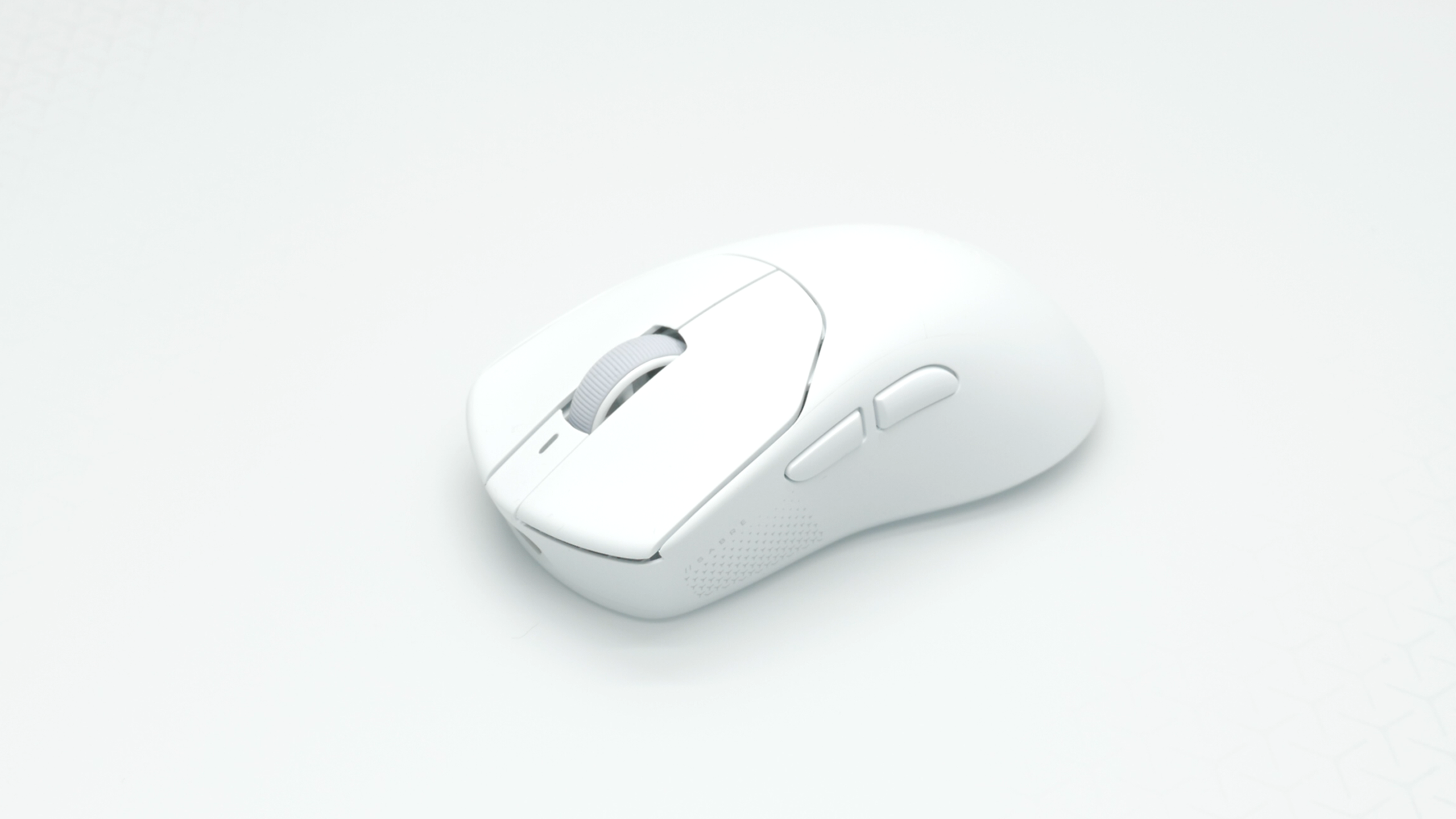
Well, that’s what Corsair is claiming the Sabre V3 Pro can deliver. The third iteration of an already very capable ultra-lightweight mouse, it boasts improvements to battery life, its sensor, and both its switches and scroll wheel encoder. What really makes it stand out, though, is that it’s the first and currently only mouse in the world to support PureVector technology.
What’s PureVector? It’s an aim calibration tool that Corsair has developed with aim training software maker Aimlabs. It uses data from your training runs in Aimlabs to calibrate the directional DPI sensitivity of the mouse to respond in a way that’s fine tuned to the way you aim, potentially resulting in faster aiming. So, if you tend to move faster left and right but slower up and down, the software will account for that. Or maybe you tend to move more freely to the right but are slower to respond in other directions. Whatever your aim pattern is, PureVector will correct for it, optimising the mouse’s sensitivity for each 30 degree angle. Corsair says this can make your aim speed up to a 33% faster.
Price
Unfortunately, as a result of this brand new exclusive software feature, Corsair is charging a big premium for this mouse over its previous Sabre V2 Pro, despite the two mice being physically very similar. While the V2 pro launched at $90 or £90 here in the UK, the V3 Pro is priced at $180 or £160. So, can it possibly be worth the price hike?
Unboxing and accessories
Well, in terms of what you get in the box, not really. Corsair was already being reasonably generous with the Sabre V2 Pro, including stick-on rubber grip pads and a second set of skates that offer a larger surface area than the standard skates, alongside the wireless dongle, and a 6ft long USB-A to USB-C cable. That accessories set remains identical with the V3 pro.
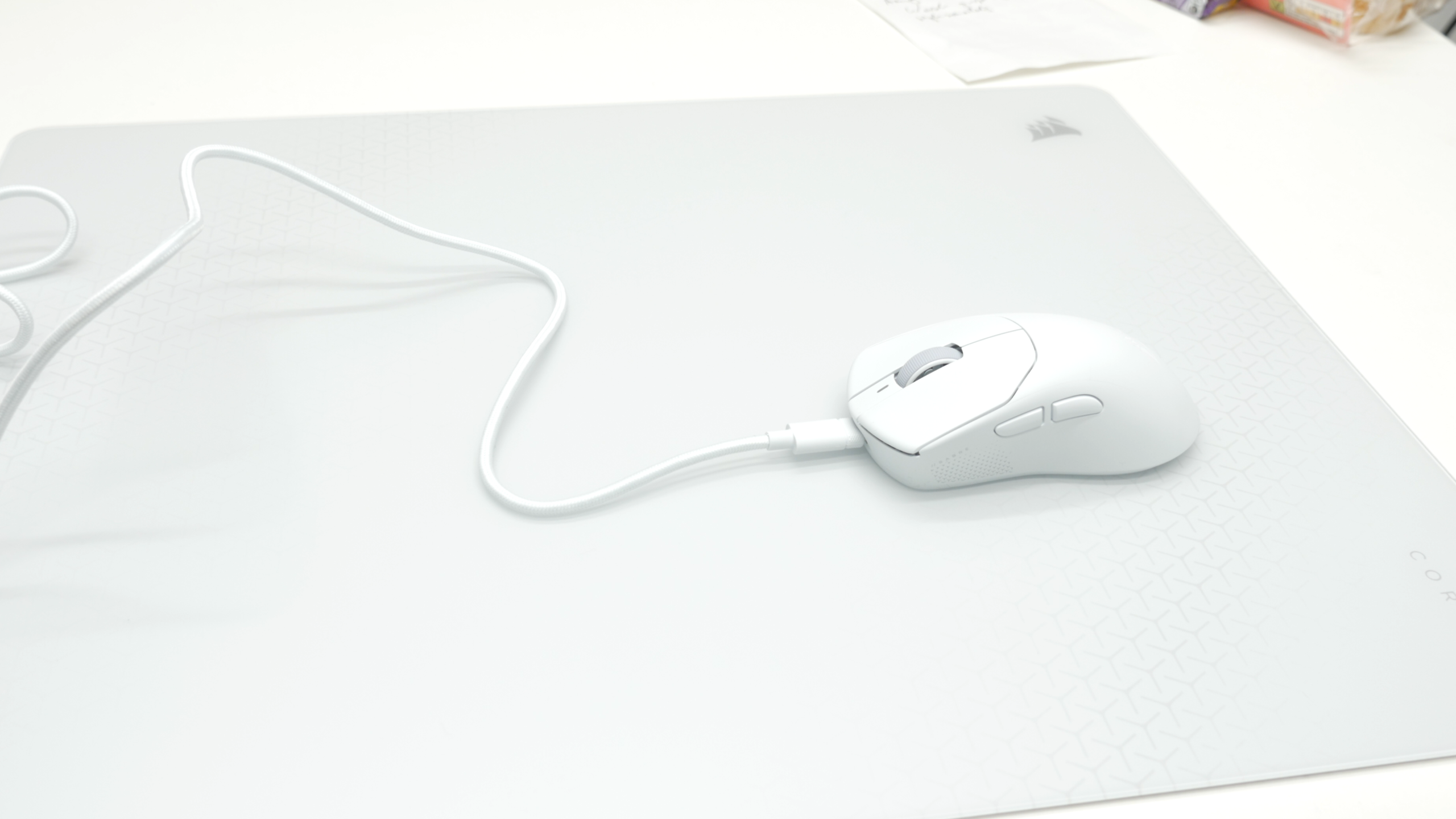
Also, regarding that cable, if you’re a fan of ultra lightweight, very flexible cables, you’ll be disappointed with this one. It’s thick, heavy and stiff, so using the mouse with it plugged in isn’t a good experience. This is definitely a mouse designed to be used wirelessly as much as possible.
Battery life
It’s a good thing, then, that Corsair has equipped the Sabre V3 Pro with a massive 140hr maximum battery life. That’s double the Sabre V2 Pro and enough life that you should only need to charge this mouse once every two weeks, and that’s assuming you’re using it for 10 hours a day every day. Just a handful of minutes plugged in to charge will also give you hours of use.
The Sabre V3 Pro only delivers that maximum life when running at a 1kHz polling rate, rather than this mouse’s maximum 8kHz polling rate. But for 90% of use you should only be running at 1kHz anyway. 8KHz, or even 2 or 4kHz modes are really only for when you’re playing competitive first person shooters on very fast refresh rate gaming monitors. At all other times, it’s complete overkill. When running at 8kHz, battery life of the Sabre V3 Pro drops to 24 hours.
Design, features, and performance
In terms of the rest of the specs and features of this mouse, it’s available in symmetrical or ergonomic shapes, with this being the ergonomic version. The symmetrical one weighs just 37g while the ergo version is a touch heavier at 41g.
Technically, these aren’t absolute record-setting lightweight mice, but they’re right up there at the forefront. In comparison, the latest Razer Viper is around 10g heavier and Logitech’s main competitor, the G Pro Superlight 2 is 20g heavier.
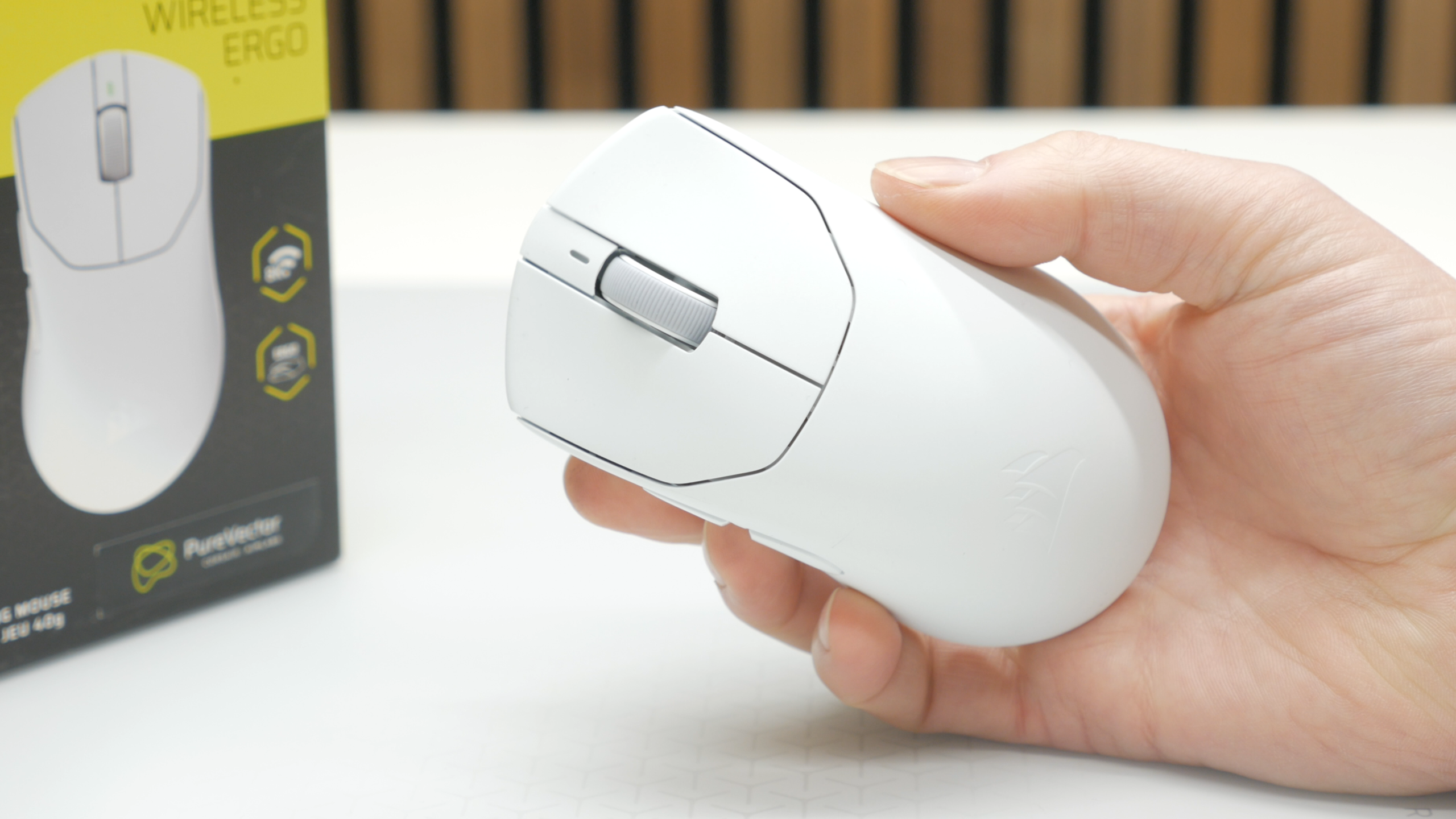
As such, this is a fantastically easy mouse to fling around at high speed, making it a top choice based on that factor alone. I’m not normally an ergonomic mouse user, instead preferring a symmetrical shape, but even this version just feels effortless to use, especially on this Corsair MM Glass mouse pad. It took way too long for Corsair to pick up on the modern trend for lightweight mice with actually comfortable shapes, but the Sabre lineup has firmly put the company back on the map.
As with most lightweight competitive gaming-focused mice, buttons and extra features are minimal, with just your five standard buttons on the top and a power slider on the underside. The slider only having two positions gives away the fact that this mouse doesn’t also support Bluetooth connections.
Under the two main left and right buttons are new optical switches that retain the same 100 million click rating as the previous V2 Pro switches but should now offer “near zero lag” response. In my tests they performed superbly, providing a legitimately fast response, an ultra-fast re-click speed, and a click feel that is closer to traditional mechanical switches than some optical switches I’ve used in the past. They also don’t sound too loud or hollow.
The scroll wheel also feels fine. It has nicely defined detents for a precise feel and the new optical encoder should mean the wheel lasts a long time and doesn’t develop unresponsive patches or become jittery and unreliable.
PureVector custom aiming
So, the Sabre V3 Pro is a solidly good mouse. I really do like this thing in terms of its overall design and performance. But what about PureVector?
Well, it doesn’t get off to the best start, because, rather than it just being an option in Corsair iCUE or even in Corsair’s web interface (which incidentally is the only way to adjust the settings on this mouse, as iCUE doesn’t even recognise it) it instead needs you to download Aimlabs. And, frankly, Aimlabs is a bloody awful bit of software. It pesters you to log in, it has a convoluted setup, and its interface is a mess.
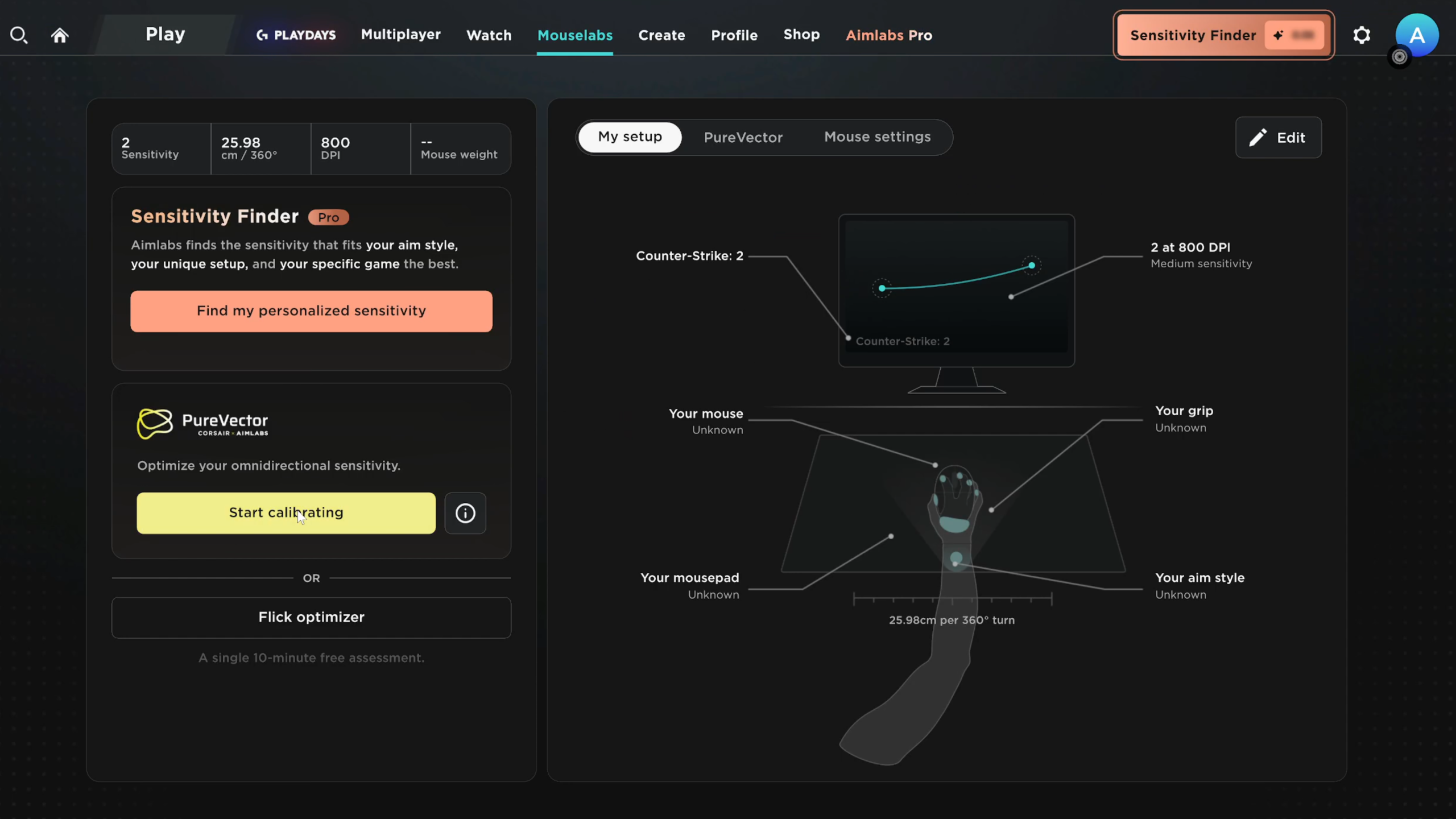
Thankfully, though, you don’t need to explore too much of Aimlabs to run PureVector. You can just log in as a guest, head to Mouselabs, and hit the PureVector calibration option. From here, it guides you through half a dozen or so aim trainer test runs, showing after each one which direction your aim skewed. Then, at the end, it averages the results and saves a correction to the mouse, so it works on any game or PC.
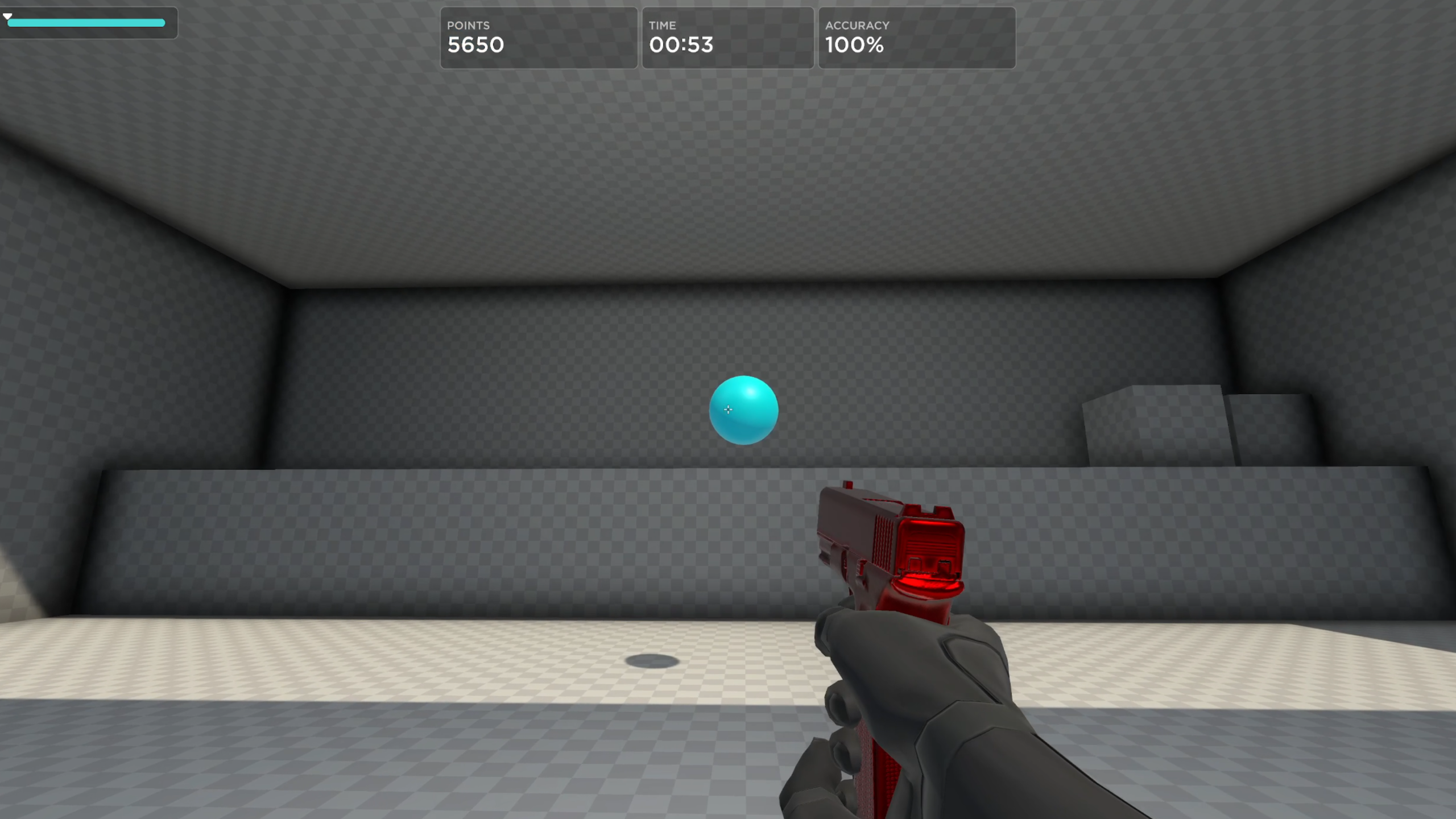
Or at least that’s the theory. In practice I didn’t really have the lopsided aim pattern shown in Corsair’s examples. Instead, my aim was almost completely even.
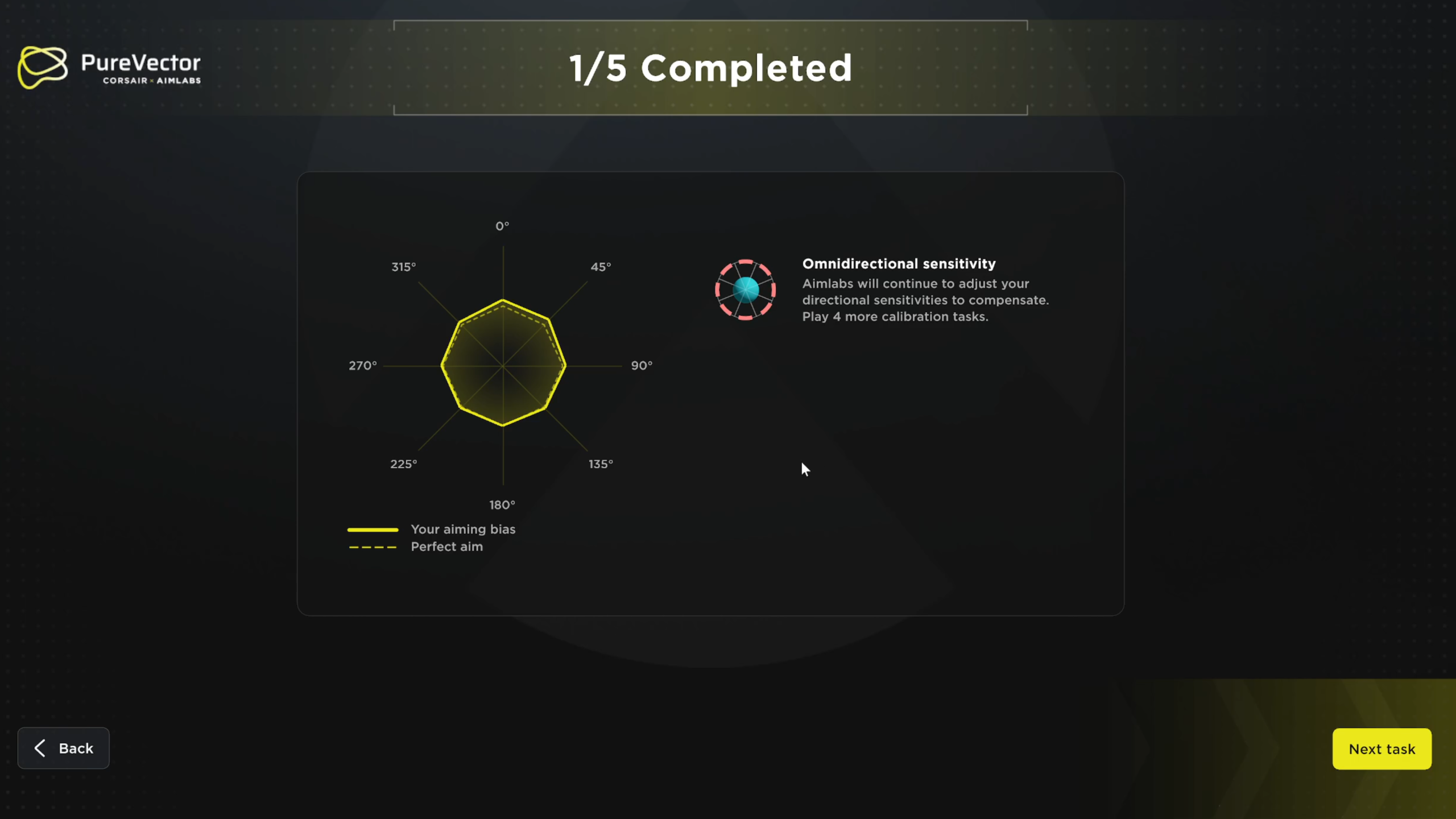
Some of the test runs showed some bias while some were almost exactly aligned with “perfect aim.” My final aim pattern showed a slight tendency to overflick towards the bottom right. That somewhat makes sense, because it’s the area where my right hand has the least range of motion, forcing my whole arm to move. And and as soon as you’re moving your arm, your aim naturally drops in accuracy.
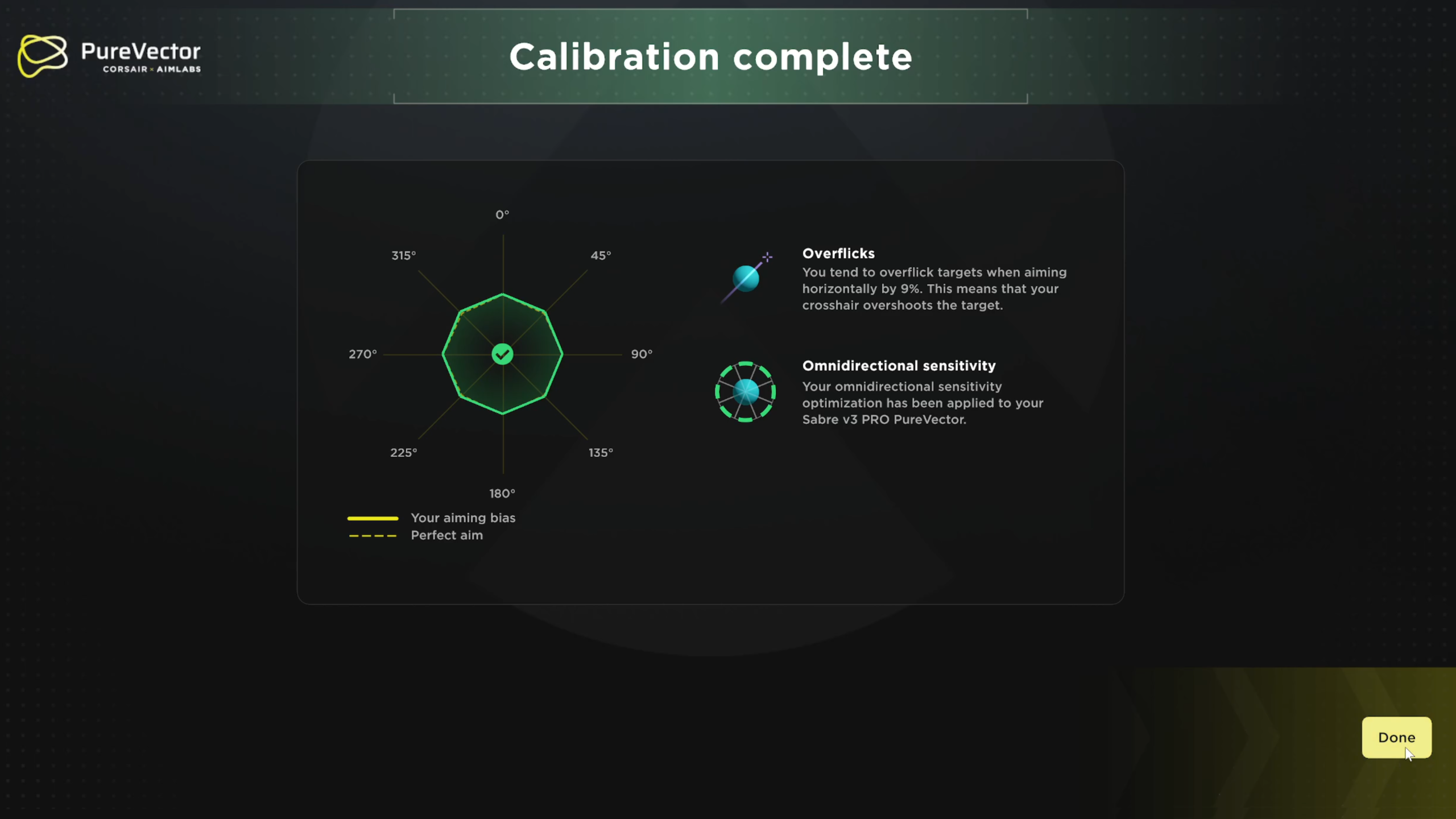
However, once I’d then applied the correction PureVector suggested, I found this didn’t improve my aim, and I now underflicked slightly instead. I also didn’t notice the benefit in-game. The difference is just too subtle. This direction also didn’t feel like it had a major impact on my gaming, as it’s not the most common direction to aim. Most flick shots are sideways or upwards, rather than down towards the ground.
It is possible that there are some other types of aiming where my biases would show up more, perhaps when tracking or performing particularly fast flick shots, but this sort of static single shot aiming is the test PureVector uses and the results were what they were. It’s also possible that with enough time, and across dozens and dozens of hours of data, my tuned PureVector aiming would result in a slight improvement, but it’s clearly going to be small.
Your mileage will of course vary, and clearly Aimlabs and Corsair feel there are enough people out there who have this sort of unbalanced aim that could benefit from PureVector. However, it’s hard to see how those people wouldn’t benefit more from simply training their aim. There’s a reason the pursuit of gaming mouse perfection has generally centred on maintaining as direct a connection as possible between a mouse sensor and the result you see on screen. Using mouse acceleration, mouse smoothing, or any other impediments has generally been anathema, so having a custom, uneven DPI pattern seems an odd fix.
That said, I can absolutely see there being some people out there who have tried all the aim trainers and other aim-improving techniques and find that their aim is still biased in a certain pattern, and PureVector could potentially fix that. I just don’t have the data to independently verify it.
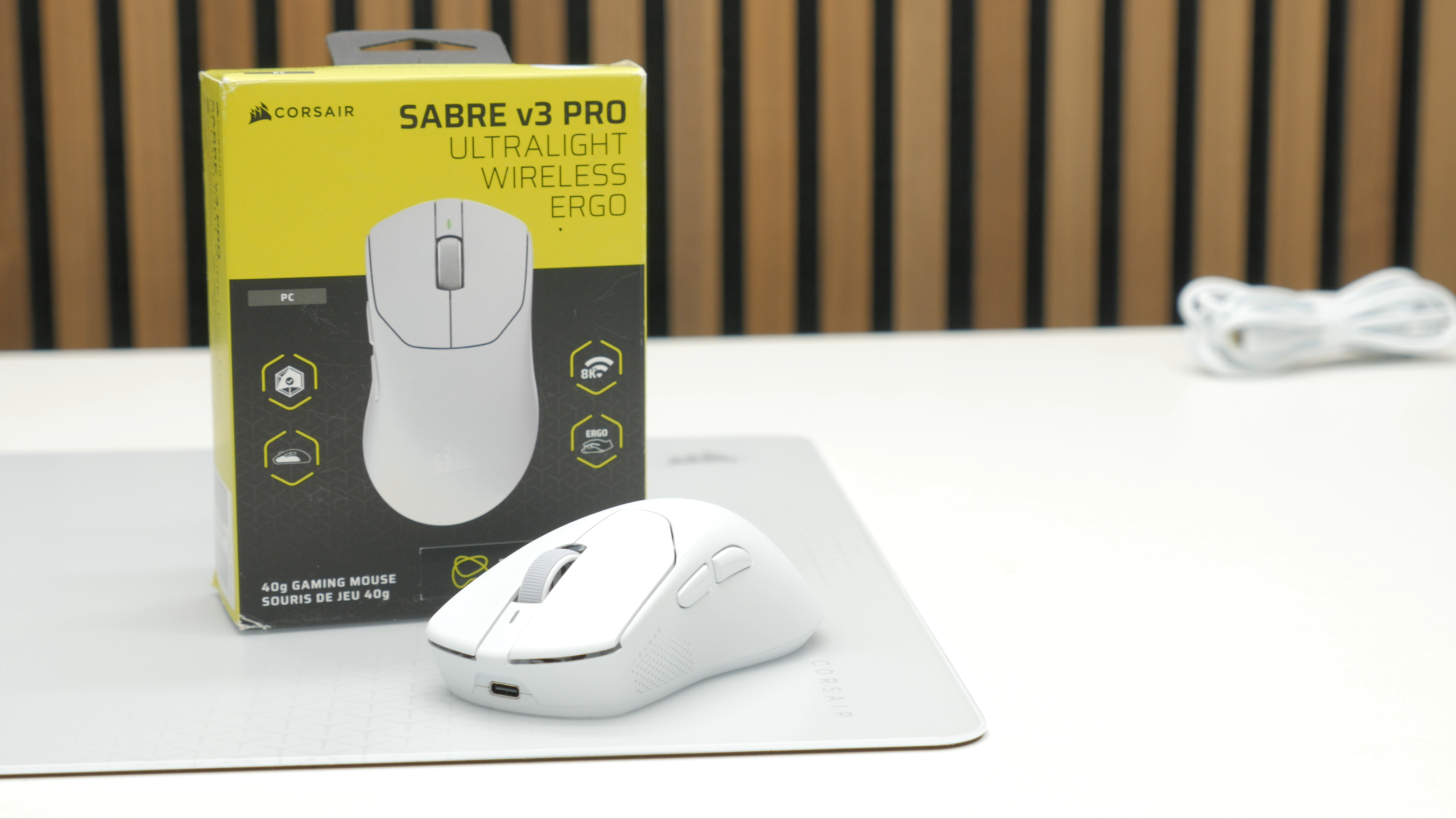
Verdict
So, is the Sabre V3 Pro worth its $180 asking price? Well, plenty of other normal gaming mice aren’t exactly cheap, with the Razer Viper V4 Pro and Logitech G Pro Superlight 2 being $160, and Logitech’s G pro X3 Superstrike being $200, so Corsair’s latest isn’t out-of-this-world expensive. But, when the Sabre V2 Pro was only $90, it’s a bit of a shame to see such a price hike.
This is still a great mouse overall, and better than those other options I just mentioned, but without the ability to try PureVector for yourself, to see if you do have an aim imbalance that it could correct, you risk paying a lot for a feature that simply won’t do anything for you. A version of this mouse without PureVector and for $30-$40 less? That would be an interesting proposition.
But what about you? Have you grabbed a Sabre V3 Pro, and did PureVector improve your aim speed by 33%? Or does this tech just sound like a gimmick? Let me know your thoughts in the comments. For now, though, I’ll say thanks for watching, and I’ll catch you in the next one.
Corsair Sabre V3 Pro on Amazon (affiliate): https://link.amazon/B06h8ERW0
Related Posts


About The Author
